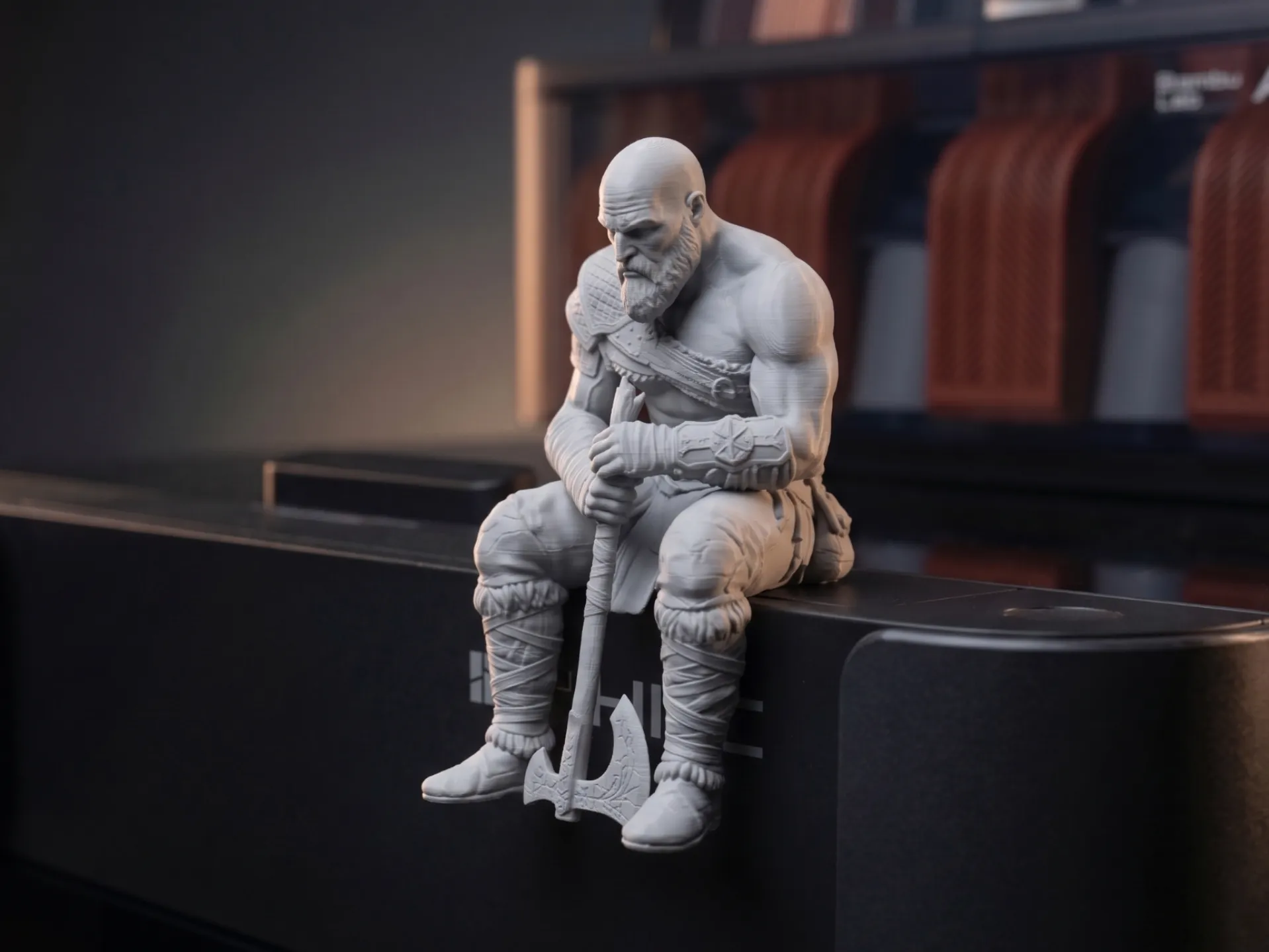
Ledge sitters for monitors — what actually fits on your screen
How to put a ledge sitter figure on a monitor without it falling off, which monitors work, how much bezel depth you need, and which figures suit a monitor top.
On this page
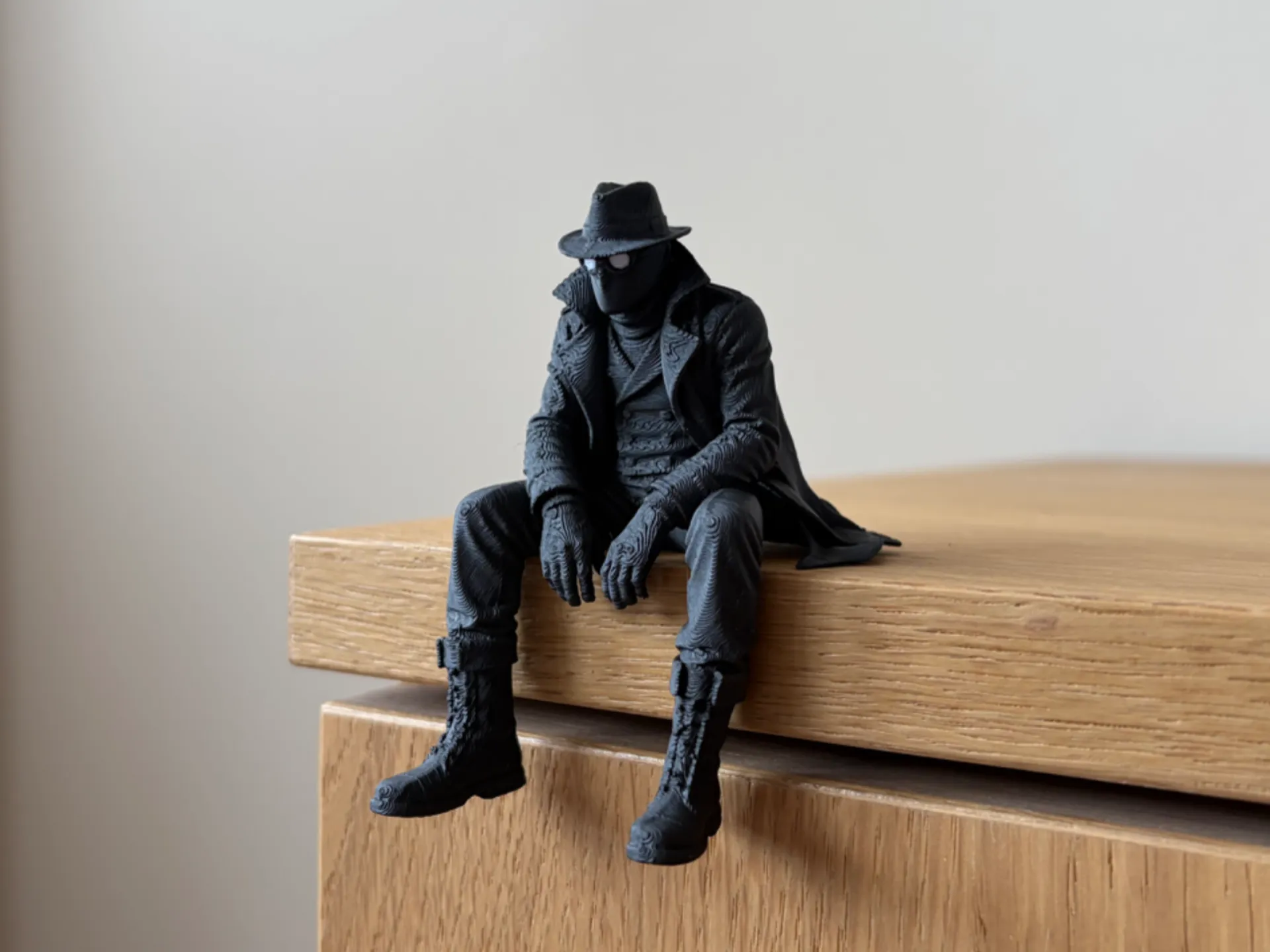
The top of a monitor is the most looked-at spot on any desk and almost always empty. A small figure sitting on the edge, legs dangling over the screen, is one of the easiest ways to give a setup some personality. It only works if the figure stays put, though.
Check your monitor first
Before choosing a figure, look at the top edge of your screen:
- Flat top, 15 mm deep or more: ideal. Most office monitors and many gaming monitors.
- Flat but thin (under 15 mm): choose a small, light figure.
- Curved or sloping back: not suitable. The figure will slide off.
- Monitor with a webcam on top: leave room for the camera, or put the figure at one end.
Measure with a ruler. It takes ten seconds and saves a figure from hitting your keyboard.
Why weight and balance matter
A ledge sitter balances because most of its weight sits behind the edge. On a monitor, you also have vibration from typing and the screen wobbling when you adjust it. Lighter, compact figures are safer there than heavy ones.
| Figure | Good for monitors? |
|---|---|
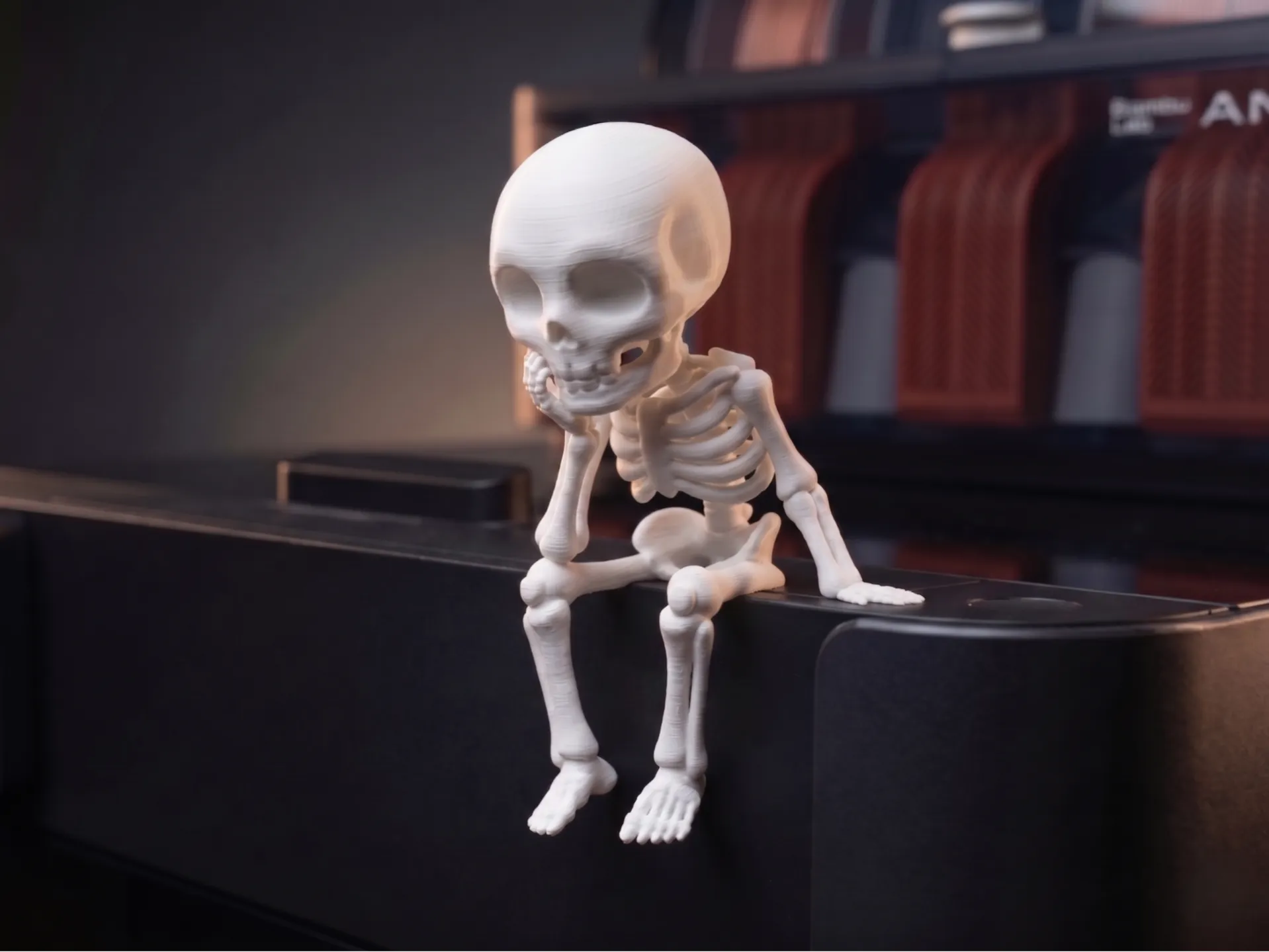
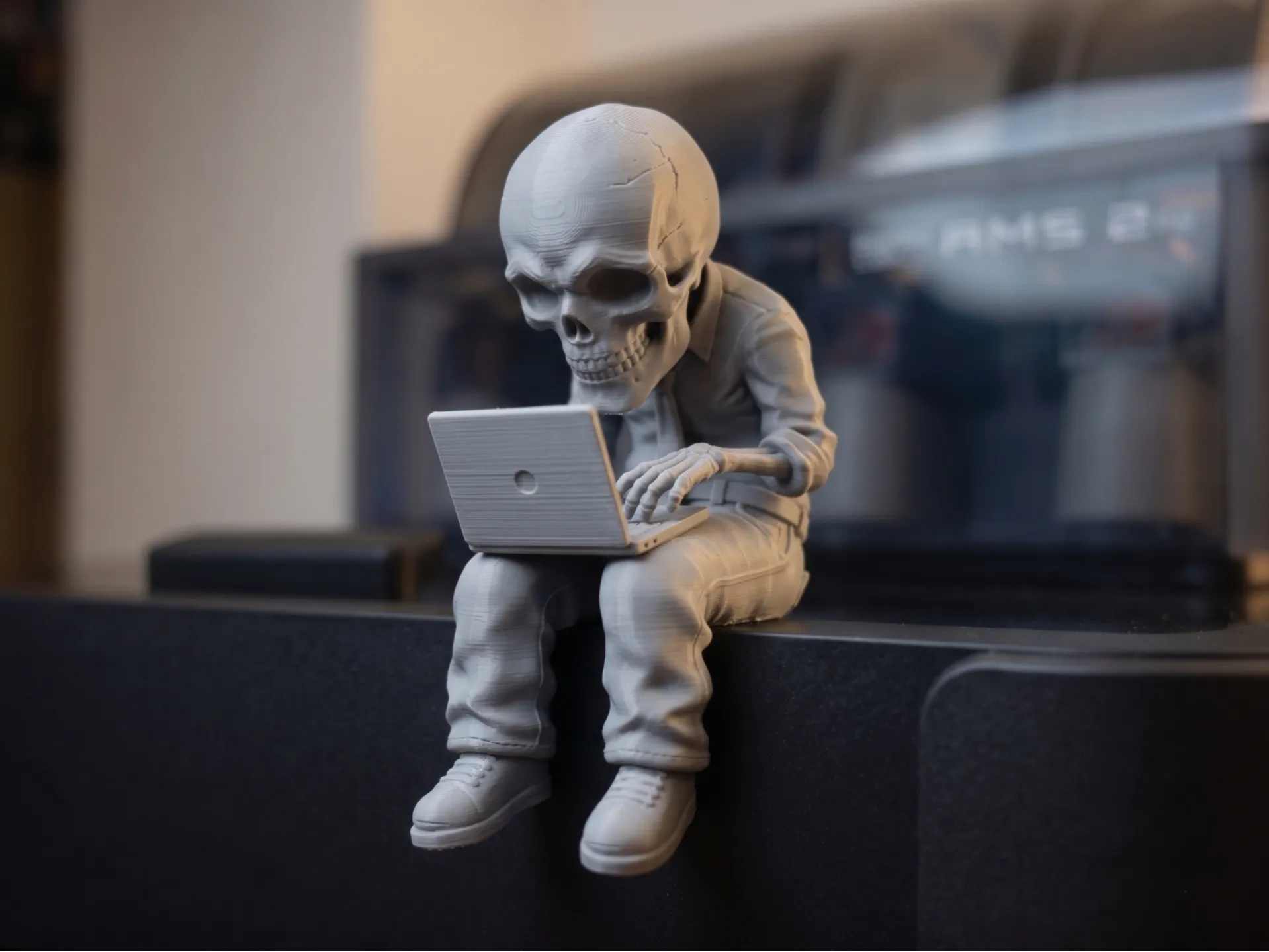
| Office Skeleton Ledge Sitter | Yes, the classic monitor joke |
| Thinker Skeleton Desk Pet | Yes, small and stable |
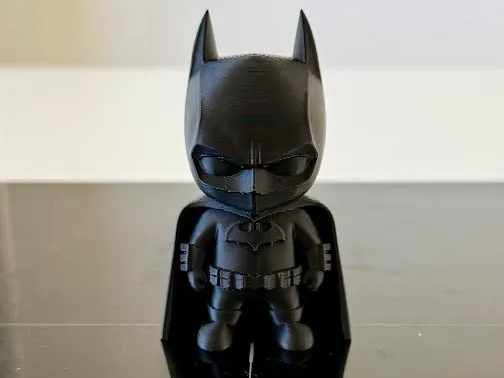
| Mini Dark Knight Figure | Yes, stands on a flat top |
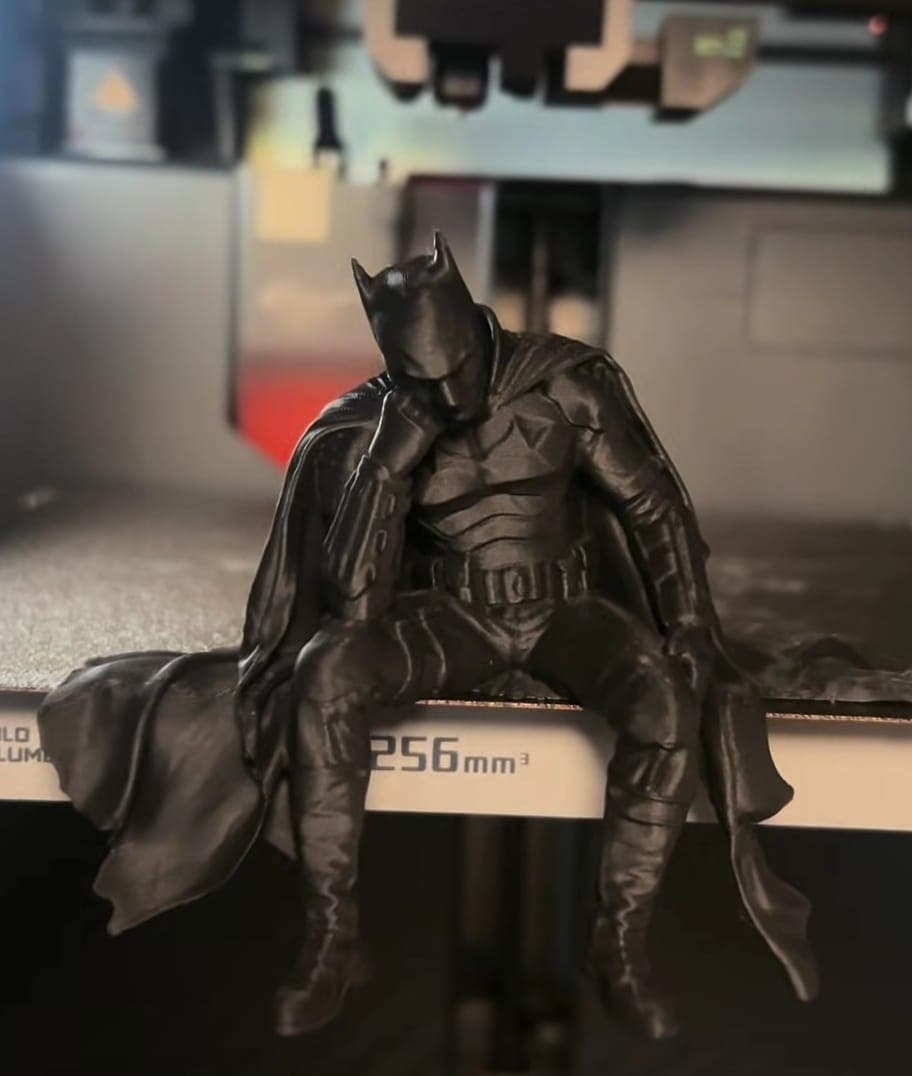
| Brooding Knight Ledge Sitter | Better on a shelf, the cape is wide |
| Gamer Skull Ledge Sitter | Shelf above the monitor instead, it is our heaviest |
Tips for keeping it in place
- 1.Sit it near a corner, not the middle, so it does not block your view.
- 2.Use a tiny piece of removable putty under the seat if your monitor wobbles. It comes off cleanly.
- 3.Keep it off the vents. Some monitors vent warm air at the top. PLA softens with heat, as our care guide explains.
- 4.Take it down before moving the monitor.
Monitor figures for work setups
The skeleton pieces are made for this. A skeleton working at its own laptop on top of yours is a joke everyone in a video call gets. For more on arranging the rest of the desk, see desk setup accessories.
Frequently asked questions
Can I put a ledge sitter on a curved monitor?
Only if the top edge is flat. Many curved monitors have a thin, rounded top that is not suitable. Check for a flat surface at least 15 mm deep.
Will a figure on my monitor fall off when I type?
A small, balanced figure on a flat top stays put. If your monitor wobbles a lot, use a little removable putty under the seat.
Does a figure on a monitor damage the screen?
No. It sits on the plastic frame, not the display. Keep it clear of any vents.