3D printing layer height explained — why 0.12 mm looks so different from 0.28 mm
What layer height means in 3D printing, how it changes surface finish, detail, strength and print time, and which layer heights we use for figures versus functional parts.
On this page
If you've ever looked closely at a 3D printed object, you've seen the fine horizontal lines running around it. Those are the layers, and their height decides more about how a print looks than almost any other setting.
What layer height means
An FDM printer builds an object one flat slice at a time. Layer height is the thickness of each slice, usually between 0.08 mm and 0.3 mm on a standard 0.4 mm nozzle.
A 12 cm tall figure printed at:
- 0.28 mm needs about 430 layers
- 0.20 mm needs about 600 layers
- 0.12 mm needs 1,000 layers
- 0.08 mm needs 1,500 layers
Each layer takes the nozzle roughly the same time to draw, so halving the layer height roughly doubles the print time.
What changes as layers get thinner
Surface finish
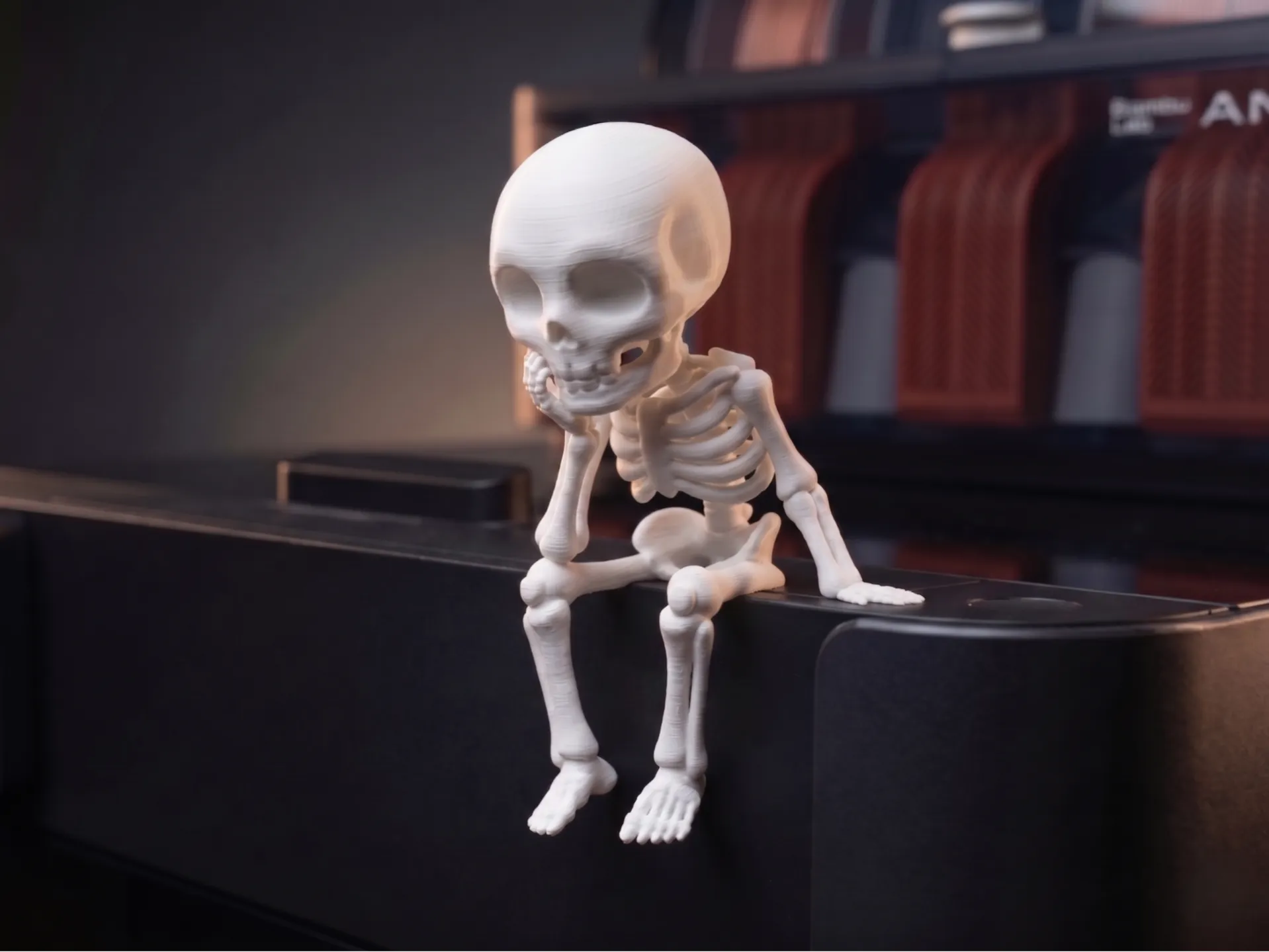
The biggest visible difference is on curved and sloped surfaces. On a sloped surface each layer steps slightly past the one below, creating a staircase effect. Thinner layers mean smaller steps. At 0.12 mm the stairs on a curved cheek or a flowing cloak are hard to see at arm's length. At 0.28 mm they're obvious.
Vertical walls look similar at any layer height. The difference is all in the curves, which is why figures benefit most.
Detail
Fine features like fingers, facial expressions, the edge of a hood or text need thin layers to resolve. A detail smaller than about two layers tall tends to blur into the surface.
Strength
Counter-intuitively, very thin layers are not stronger. Layers are the weakest direction in an FDM print, and thin layers mean more boundaries. For functional parts, 0.2 mm is usually the sweet spot. For figures, strength along the layers rarely matters.
Time and cost
This is the trade-off. A figure that takes two hours at 0.28 mm might take five at 0.12 mm. Machine time is the biggest part of what a print costs.
The layer heights we use
| Use | Layer height | Why |
|---|---|---|
| Fit checks and rough prototypes | 0.28 mm | Fast, accuracy matters more than looks |
| Functional parts, stands, holders | 0.20 mm | Best balance of strength, finish and time |
| Display figures | 0.12 mm | Curves and faces look smooth at arm's length |
| Small minis and very fine detail | 0.08 mm | Detail at tiny scale |
Most of the figures in our shop are printed at fine layer heights, because they're looked at up close on a desk or shelf. It costs us machine time. It's also the difference between "that's a 3D print" and "where did you get that?".
Choosing for an order rather than a printer? Our print quality buying guide gives a straight recommendation for each kind of piece.
Adaptive layers: the best of both
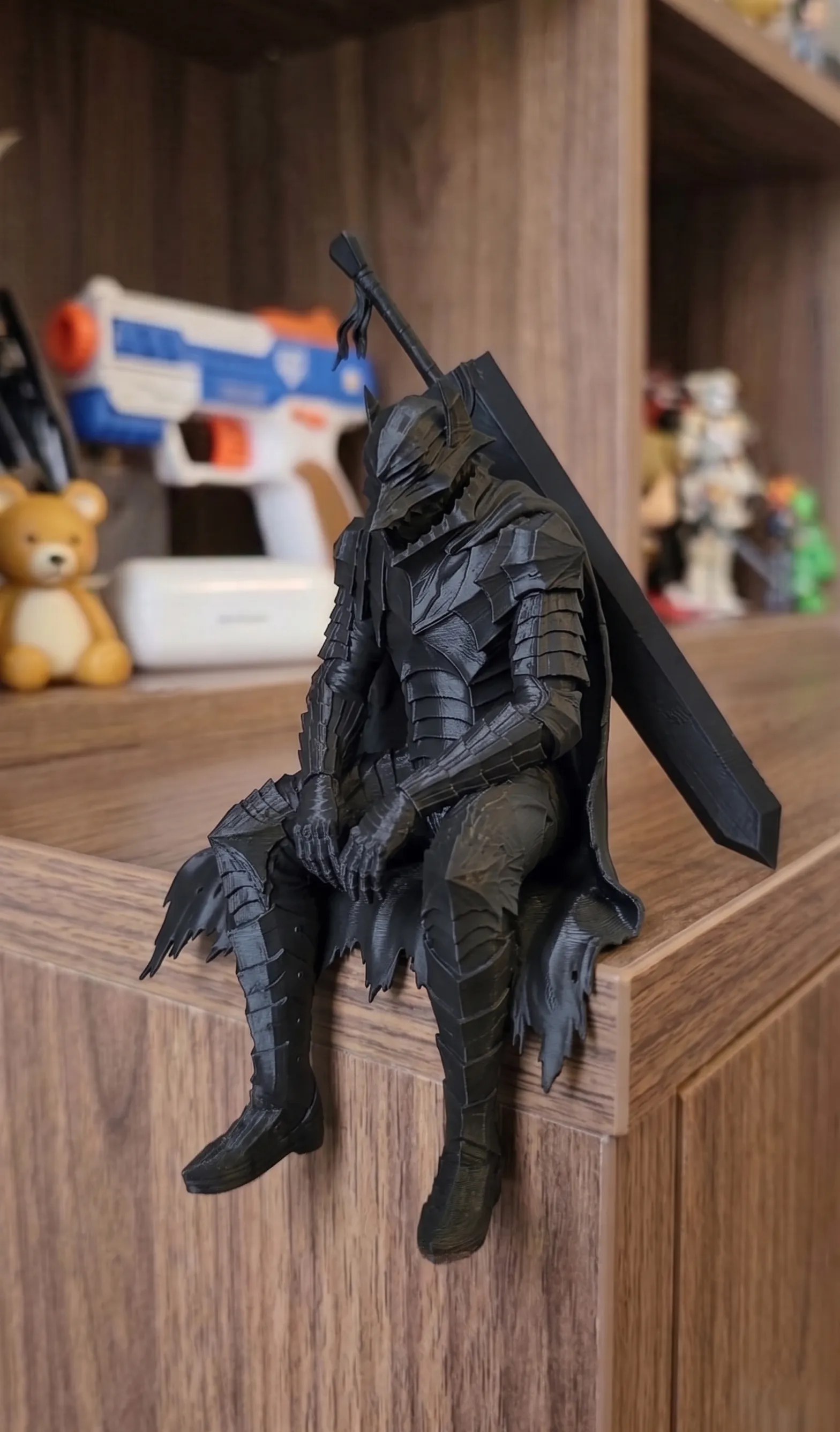
Modern slicers can vary layer height within one print: thick layers on vertical sections where nobody can tell the difference, thin layers on curves and heads where it counts. It cuts print time noticeably without a visible drop in quality. It suits tall pieces like the Resting Swordsman, where the long straight sword does not need fine layers but the face and armour do.
Can you get rid of layer lines entirely?
Only with post-processing: sanding, filler primer and paint. That's how painted display pieces reach a completely smooth finish. For unpainted figures, fine layers plus careful orientation, so the most visible surfaces are the smoothest, gets very close.
If you want to try painting a print yourself, see our guide to painting 3D printed figures.
Frequently asked questions
What is the best layer height for 3D printing?
0.2 mm for most functional parts on a 0.4 mm nozzle. 0.12 mm or finer for display figures and models where surface finish matters.
Does a smaller layer height make a stronger print?
Not usually. Very thin layers add more layer boundaries, which are the weak points. For strength, 0.2 mm with more walls is better than going thinner.
Why do 3D prints have lines?
Each line is one layer of melted plastic. The thinner the layers, the less visible the lines. They can be removed completely only by sanding and priming.
How much longer does a fine layer height take?
Roughly in proportion. Going from 0.2 mm to 0.1 mm about doubles the print time, because there are twice as many layers to draw.